
Get feedback from your coach on your meals and workouts
In Kenco Life you build your own daily menu and training week, then invite a coach to look at them. The coach sees your plan, your targets and what you log each day, adjusts the plan for you and approves it. Every change shows up in your app.
Add a coach in a tap
Tap Add Coach in Daily Meals to choose a coach for your nutrition, or in Workouts to choose a coach for your training. It can be the same person or two different coaches. The coach receives your request and accepts it.
- One coach for nutrition, one for workouts, or the same coach for both
- Build your plan first, so the coach sees what you actually like to eat and how you train
- Remove a coach from your plan whenever you want
What your coach sees
Before you add a coach, the app tells you what you are sharing. A coach you add can see the health information in your profile, your plan and what you track, because that is what they need to give useful advice.
- Your daily menu or workout plan, and your targets
- The health information in your profile, including medications, allergies and medical conditions
- The meals and workouts you logged on each day, and your progress
How feedback reaches you
You do not have to retype advice from a chat. The coach edits your plan directly, and a status line on your plan shows where things stand: you are building it, your coach is reworking it, your coach approved it, or your coach declined it.
- Changes to meals, ingredients, exercises, sets and repeats appear in your plan
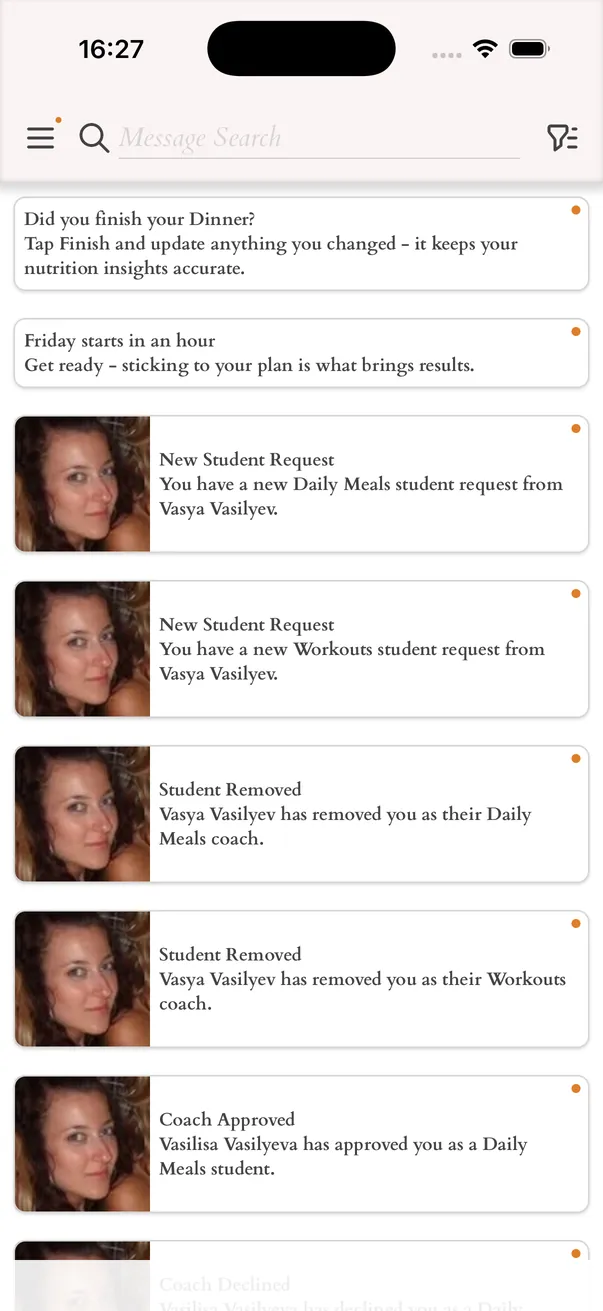
- A notification in your Inbox when your coach approves or declines the plan
- A WhatsApp chat with your coach, opened from the app
You can start without a coach
Everything works on your own as well. The app recommends daily calories, protein, carbohydrates and fat for your weight goal, you build your menu and training week, and you track each day. Add a coach later if planning alone gets hard.